B2Proxy supports the quick extraction and use of unlimited residential proxies via the username/password (credential) method. The setup is simple and requires no additional configuration. This article will guide you on how to obtain unlimited residential proxies using the credential-based extraction method, helping you get started quickly.

I. Basic Setup Steps

1. Set Session Type

Rotating IP: Auto-rotates IP per request (ideal for scraping/data collection). Sticky IP: The IP remains fixed for a period of time (5 minutes by default), suits account management).

2. Bind Sub-User (Required)

Select an existing sub-user or create one to assign proxy permissions.

3. Select Hostname

Based on your network IP, select the nearest server. You can also manually choose other nodes.

II. Proxy Generation & Testing

4. Test Connectivity (Optional)

Run in Command Prompt: curl -x host:port -U “username:password” ipinfo.io (Replace with your testing command)

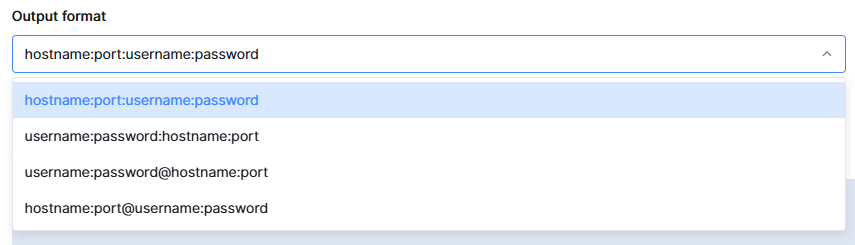
5. Select Output Format

Resi User Pass1 Proxy information usually includes: Host, Port, Username, and Password.

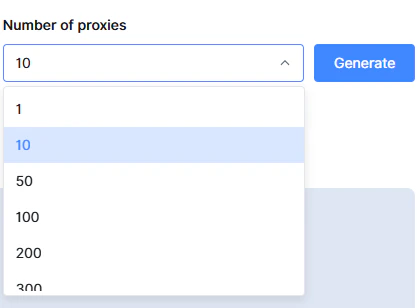
6. Set the Number of Proxies

Resi User Pass2 Enter the number of IPs needed (e.g., 100) → Click 「Generate」.

7. Get Proxy List

After generation, copy individual proxies from 「Proxy List」, or export as TXT/CSV for bulk use.
Security Recommendations: Never share proxy credentials; reset passwords periodically. Assign sub-user permissions judiciously.